Home
A dashboard of what you watch
Fast, native, and free at its core
A fast, native player for Fire TV, Android TV and beyond — with a guide you'll actually use, your movies and shows, live sport and recordings, all in one place. Bring any Xtream, Stalker or M3U provider. The whole player is free; Premium just adds the extras.
A dashboard of what you watch
Channels with a full, readable guide
Your provider's on-demand library
Series and box sets, organised
Go back and replay the guide
Live radar, reminders, follow your team
Several channels at once
Record live TV and catch-up
Favourites and history across TVs
Xtream, Stalker & M3U
PIN-lock channels and categories
Switch between providers freely
Why TiviGlass
Sideloaded players are usually clunky web wrappers with cluttered guides and ads. TiviGlass is built natively for the big screen — quick, clean, and yours to set up your way.
Built natively for Fire TV and Android TV, so it's fast and fluid where web-based players feel sluggish — instant focus, smooth scrolling and snappy channel zapping on the remote.
A clean, distance-readable EPG with now and next, catch-up built right into the grid, and a Home screen that remembers what you were watching and surfaces what's on now.
Xtream Codes, Stalker / Ministra portals and M3U playlists — on Fire TV, Android TV and Google TV, plus your phone and tablet. Bring your own provider; no lock-in.
The whole player is free forever — no card to start and no ads. Premium only adds extras like the Sports Hub, multi-view and recordings, and billing stays on your phone.
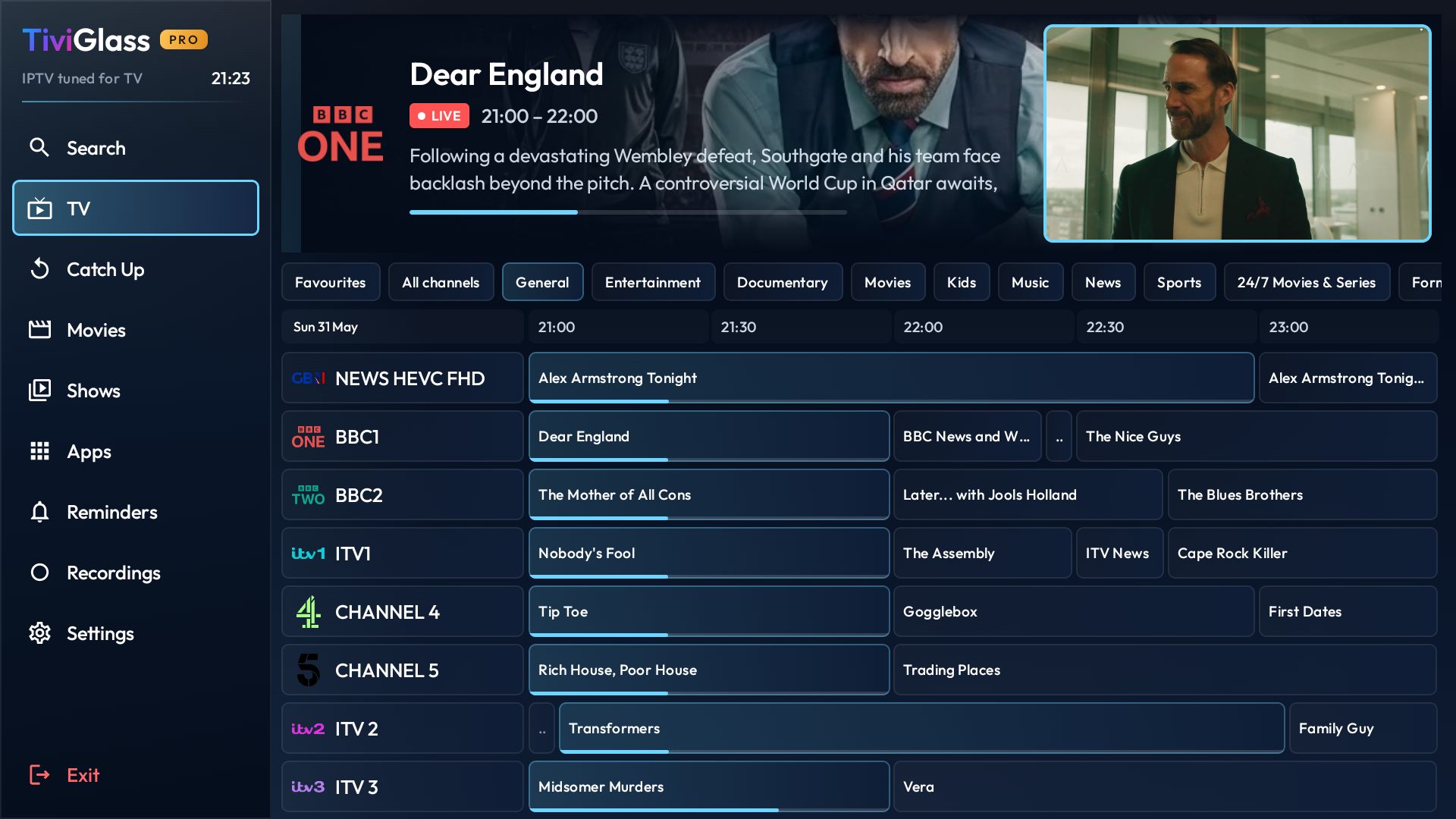
Live + guide
Browse channels and what's on now and next without losing your place. Fast zapping, clear focus, and catch-up built into the same grid — every cell is one click from playing.
Explore live TV →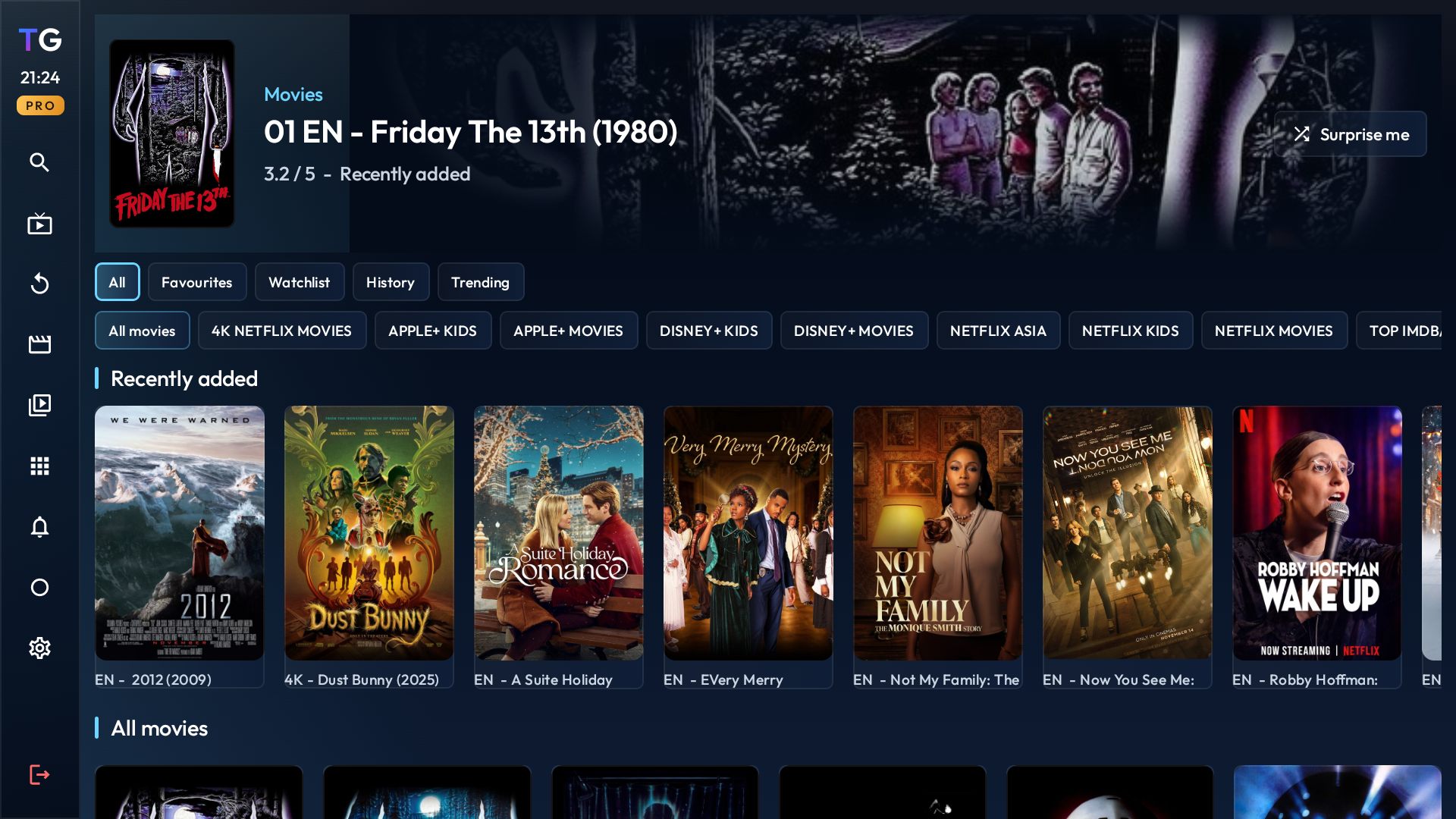
Movies & shows
On-demand content lives in the same app instead of a separate mode. Loud, distance-readable focus states and a layout built for a D-pad, not a mouse.
See on-demand →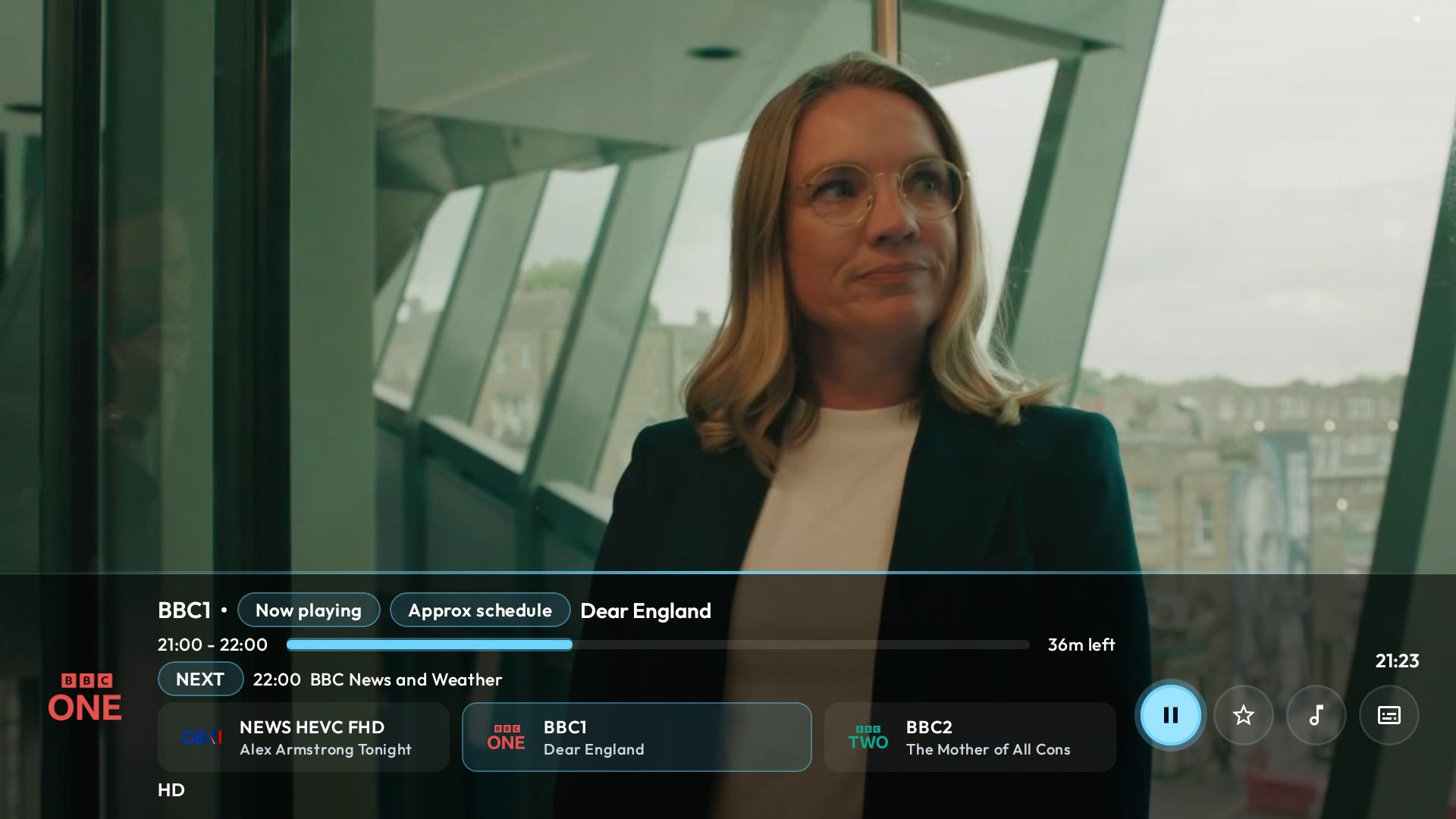
Quiet OSD
A soft, glassy now-playing panel. Channel zapping, seek and switch are one press away — then it disappears so you can just watch.
How playback works →New
A smarter home screen, a hub for sport, multi-view for the big games, and support for any provider you bring.
A cinematic landing screen with Continue watching, your favourites, what's on now, trending titles and recently added — reorder the rails to taste.
A live sports radar with kickoff reminders, spoiler-free scores, and follow-your-team recording — built straight from your guide.
Watch several channels at once in a mosaic, with your own layouts and saved presets. The audio follows whichever tile you focus.
Xtream Codes, Stalker / Ministra and M3U — on Fire TV, Android TV and Google TV, plus a landscape layout for your phone and tablet.
Fire TV screenshots
These examples show the TiviGlass interface on Fire TV, from guide controls to settings and diagnostics.
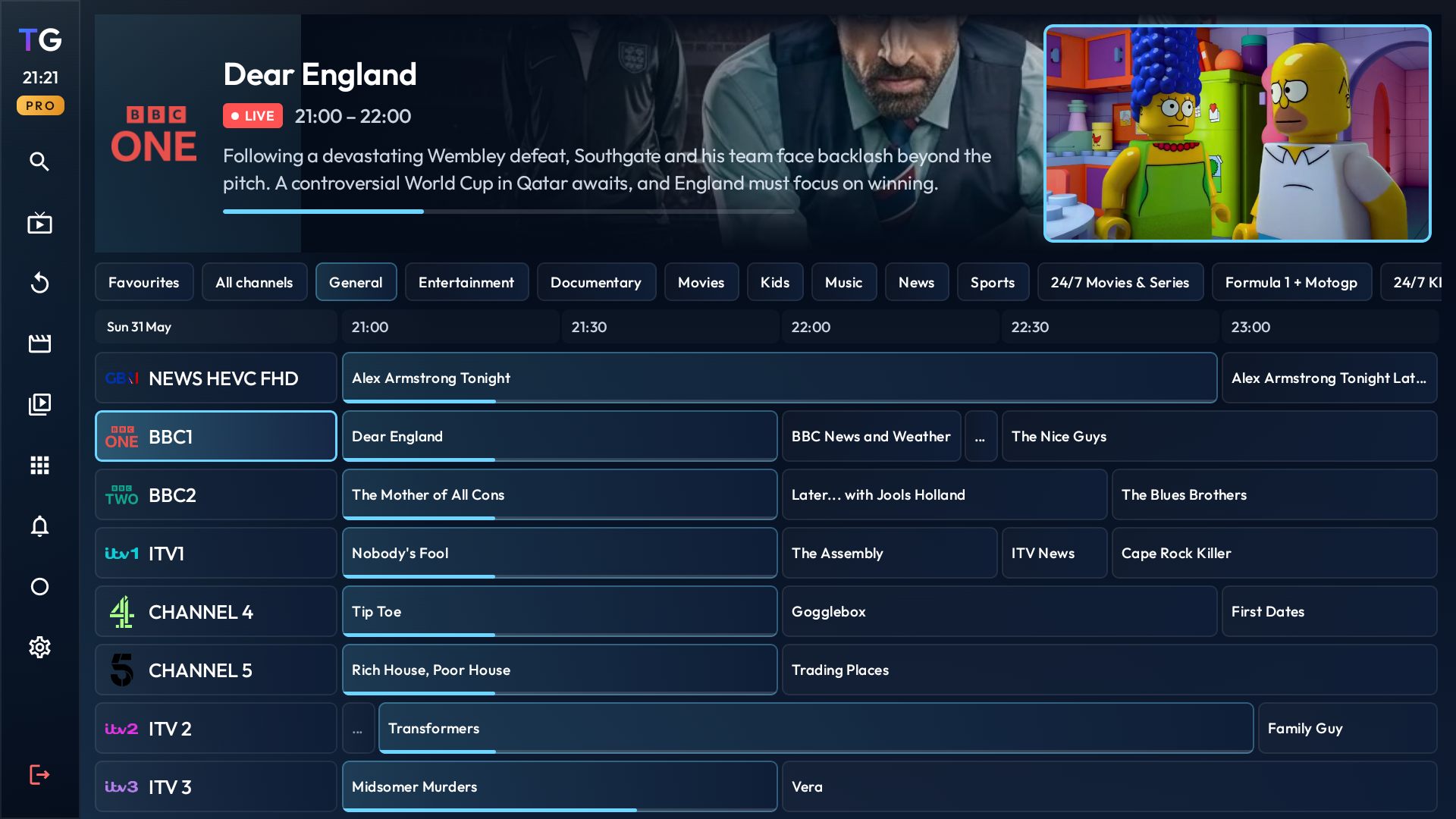
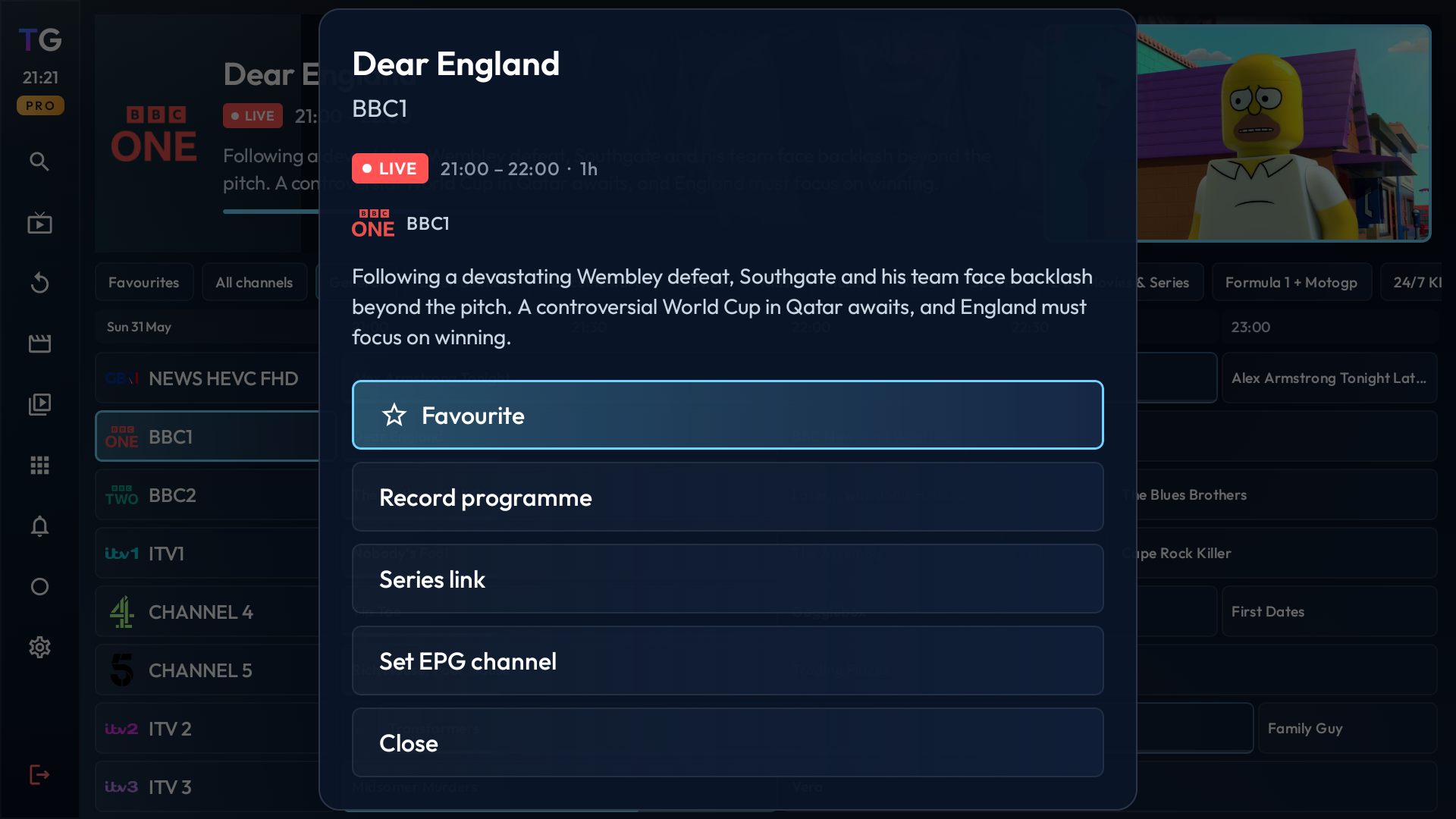
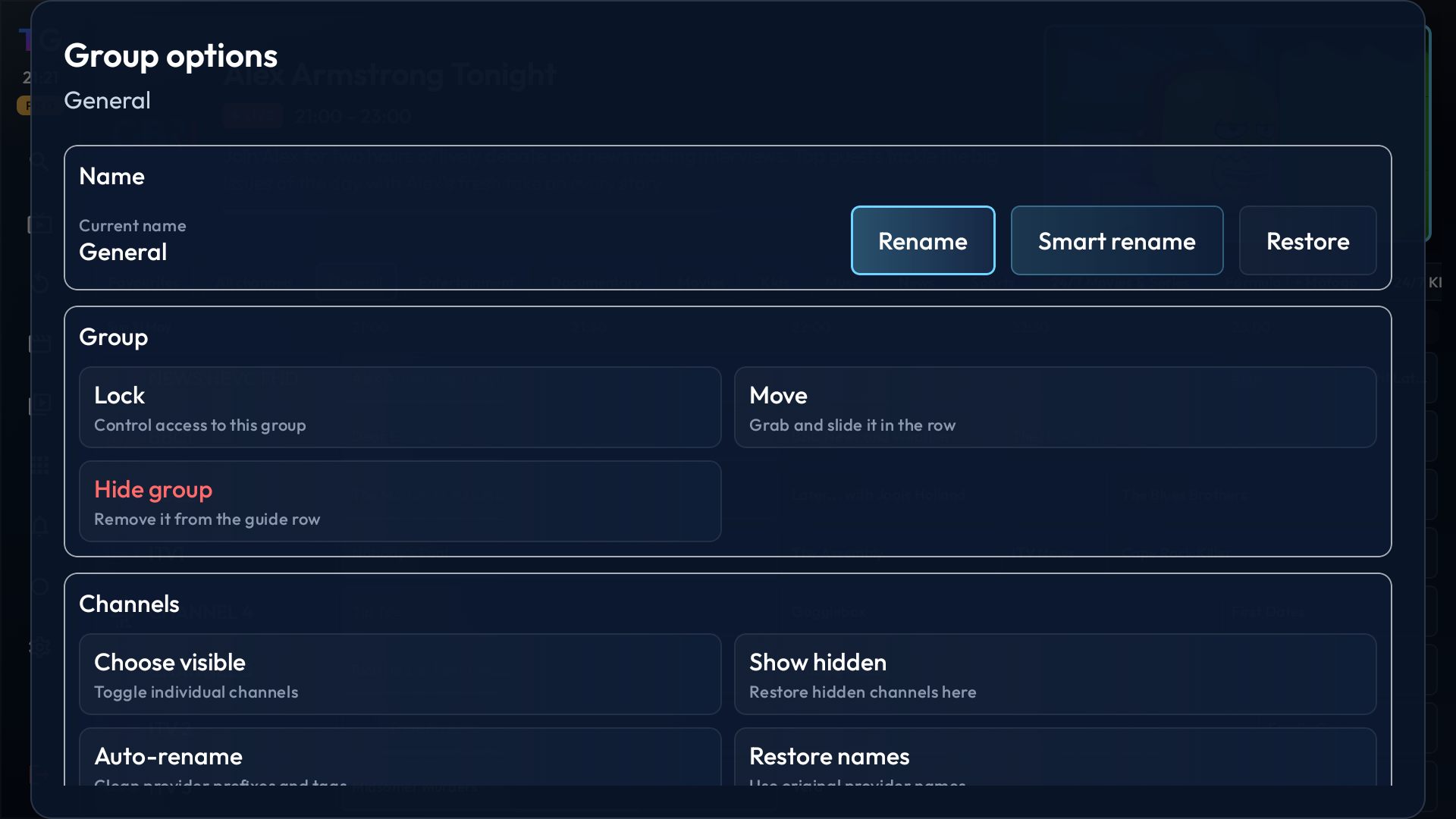
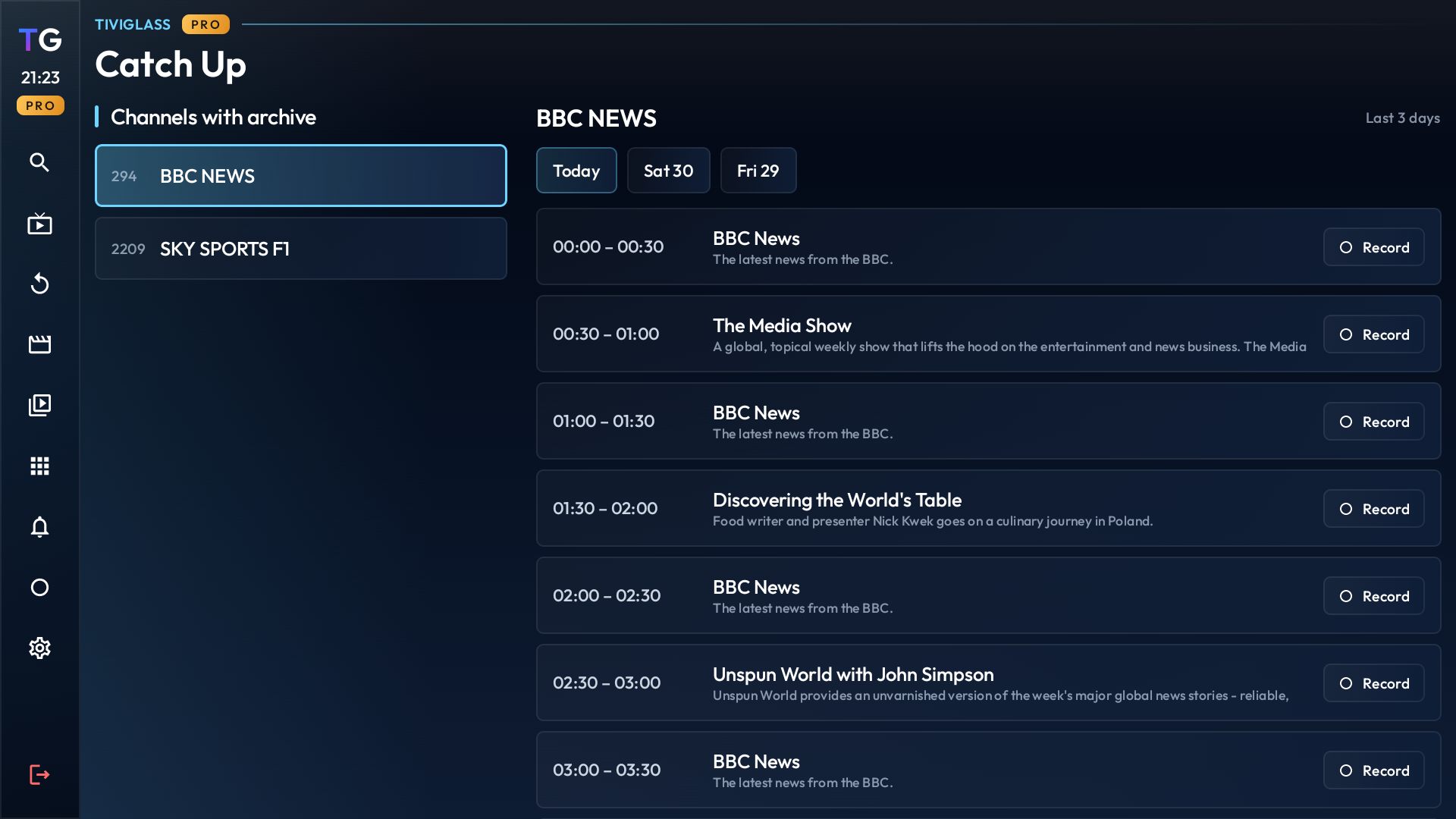
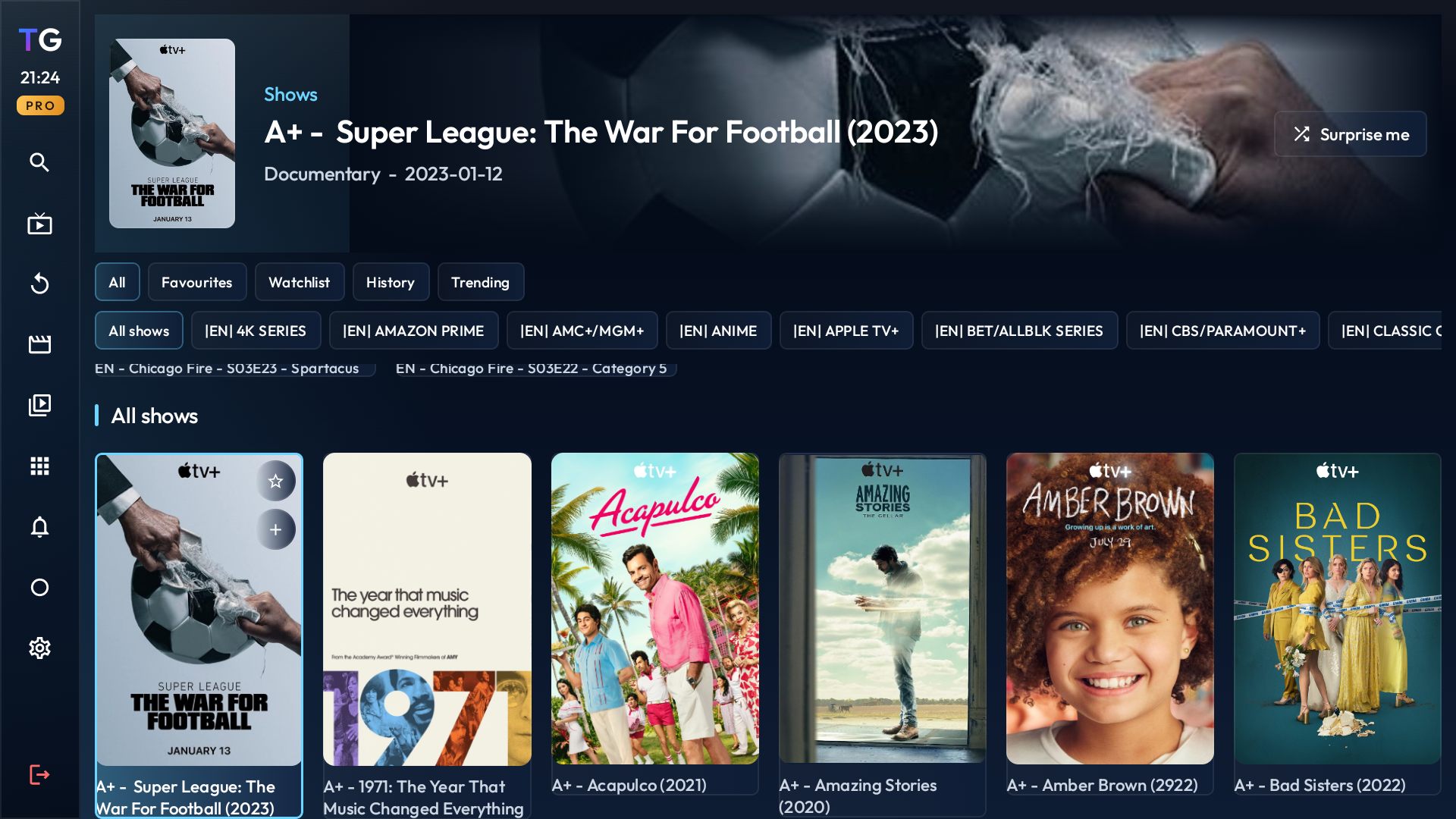
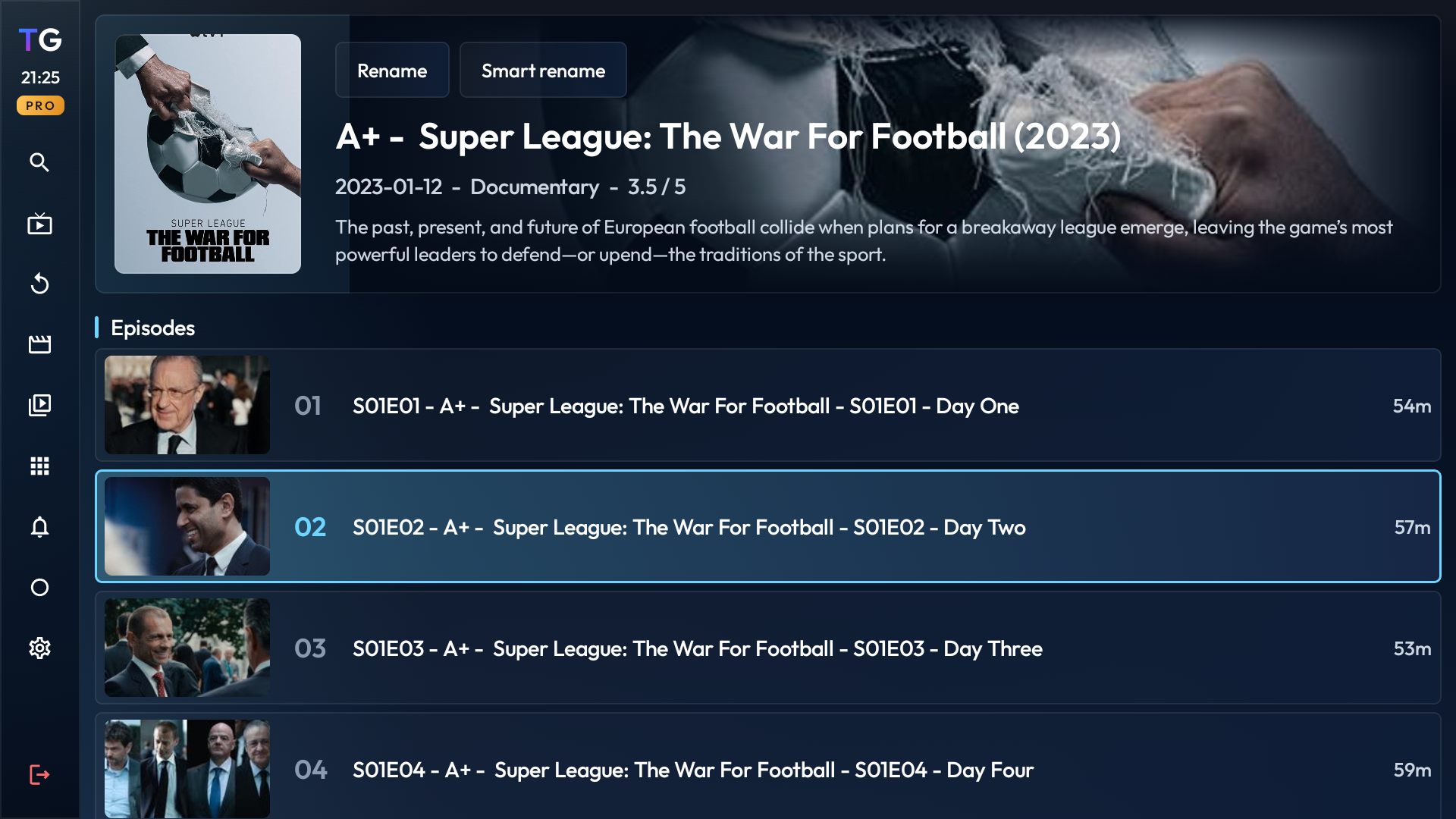
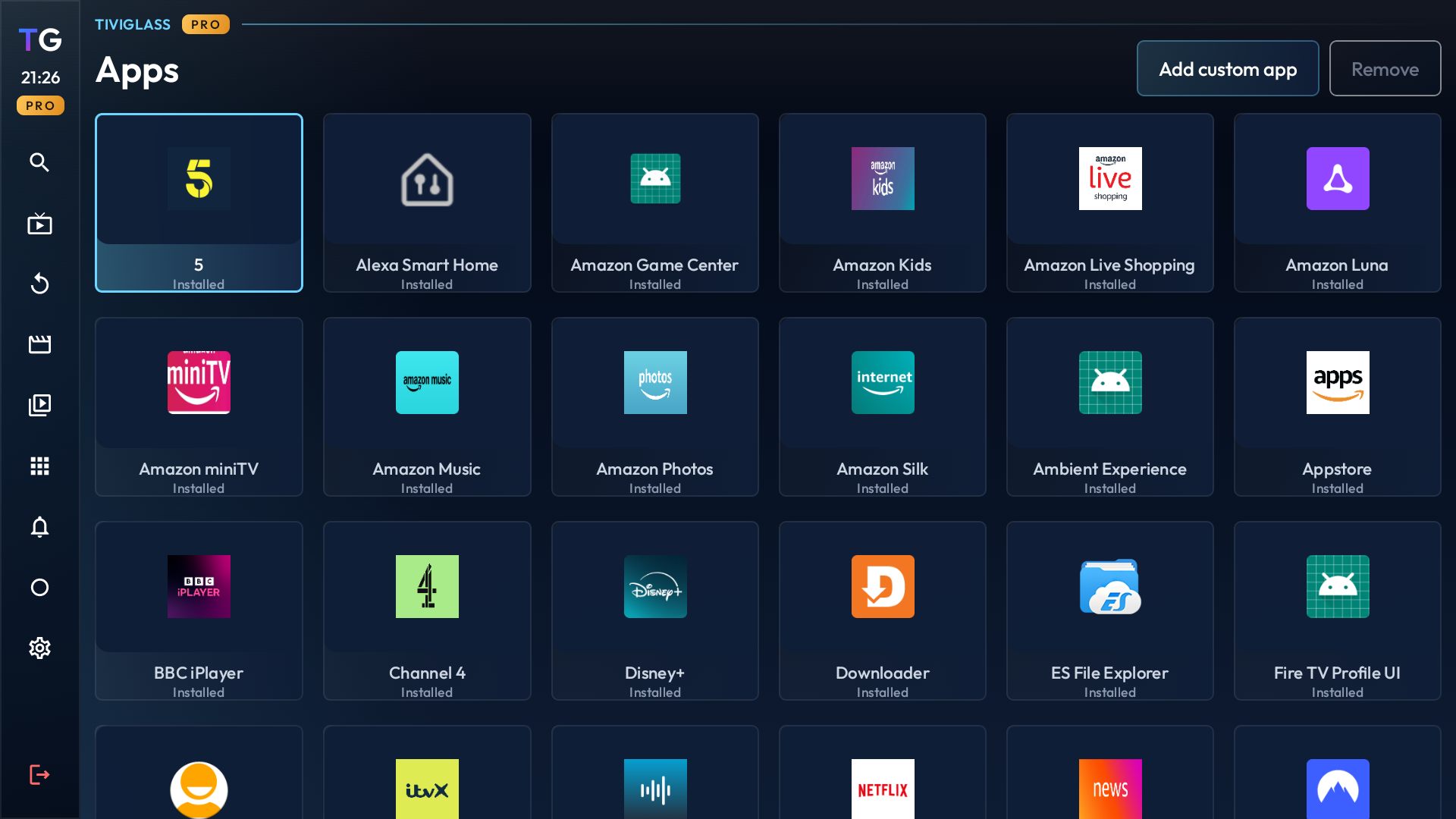
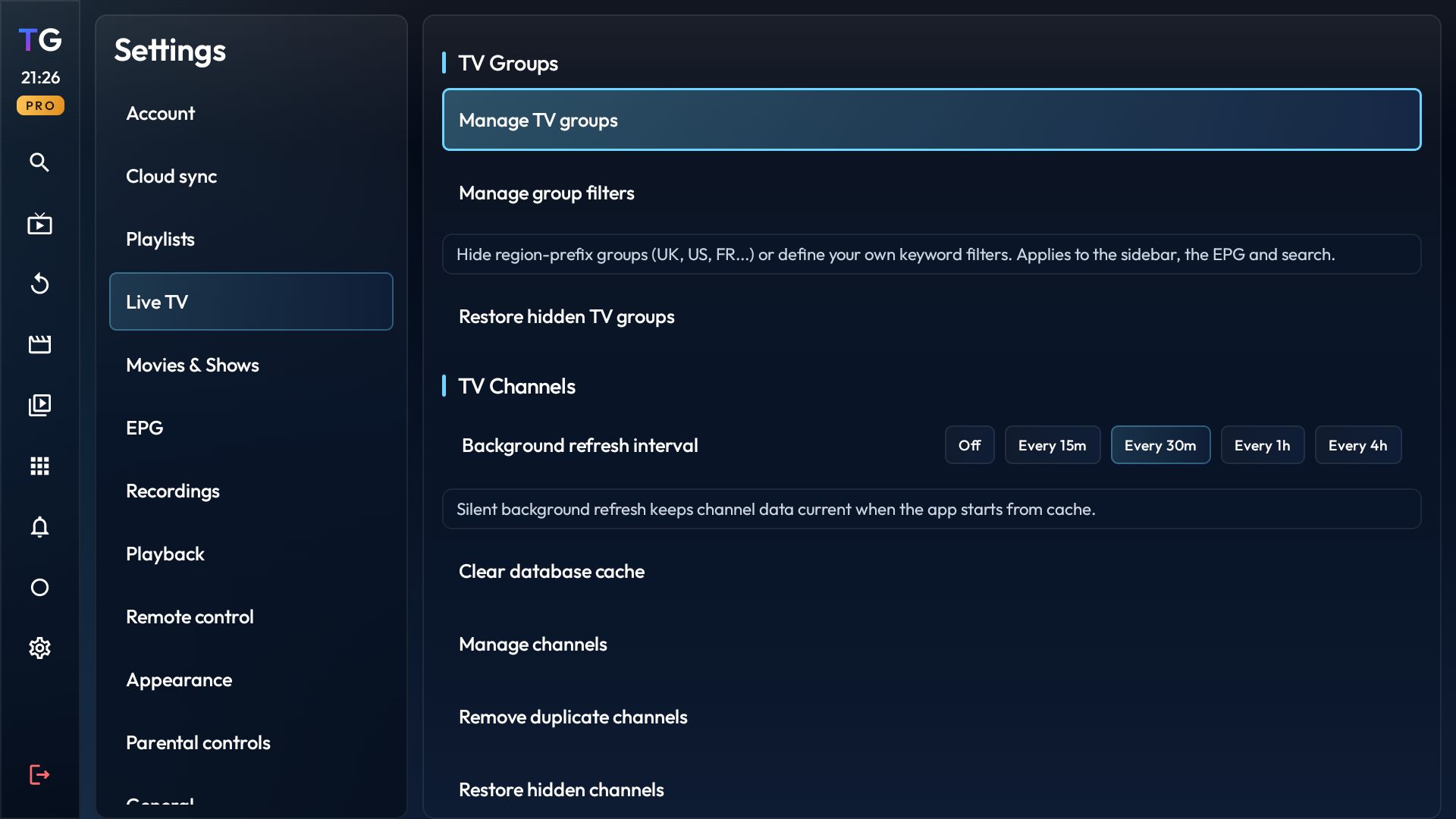
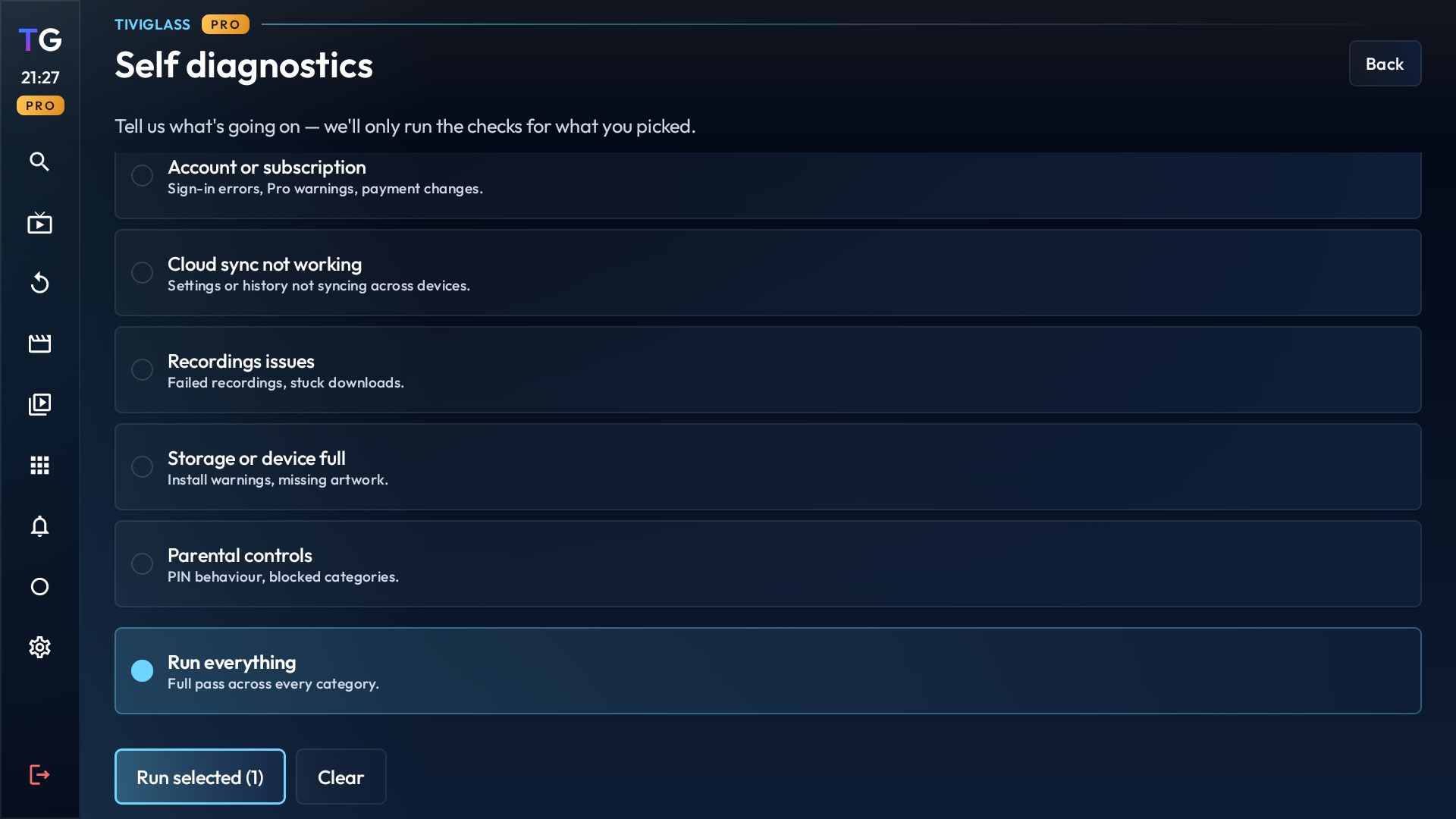
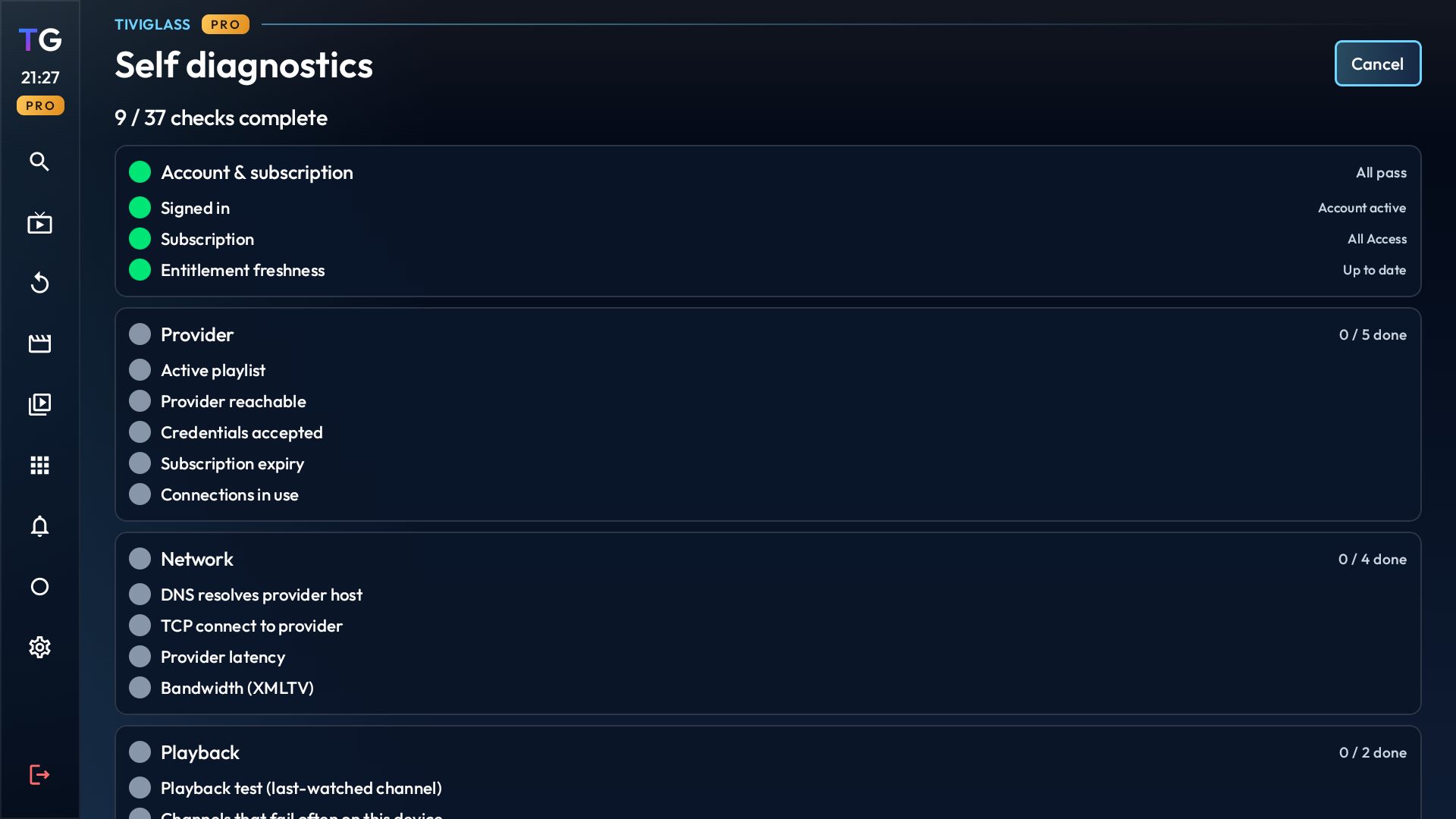
Example screens may show user-provided provider data. TiviGlass does not provide channels, media libraries, or IPTV subscriptions.
Pricing
The full library is free on every device. Premium unlocks the extras below and stays in sync across your TVs.
| Feature | Free | Premium |
|---|---|---|
| Live TV and full EPG | Yes | Yes |
| Movies and shows | Yes | Yes |
| Catch-up | Yes | Yes |
| Recordings (DVR) | — | Yes |
| Sports Hub | — | Yes |
| Multi-view | — | Yes |
| Cloud sync | — | Yes |
| Themes | — | Yes |
Setup
Install the app, add your provider, and connect your account only if you want the extras.
Open the Downloader app on your Fire TV and enter
tiviglass.com/apk.
Load the channel, playback, and guide details you already use so your library fills in.
Use phone sign-in only when you want Premium, cloud restore, or synced devices.
Go back to browsing and playback while account tools stay off the main screen.
Ready when you are
It takes a few minutes on the Downloader app — no card, no ads, no catch. Premium is there if and when you want the extras.
Important
TiviGlass helps you load and organize provider details you already have. It does not include channels, playlists, media libraries, or third-party IPTV subscriptions.
Plays and organizes the lawful sources, playlists, and guide data you choose to use.
Provide, host, sell, or resell channels, content feeds, or third-party IPTV streaming services.
Use only content sources and provider services you are legally authorized to access.